

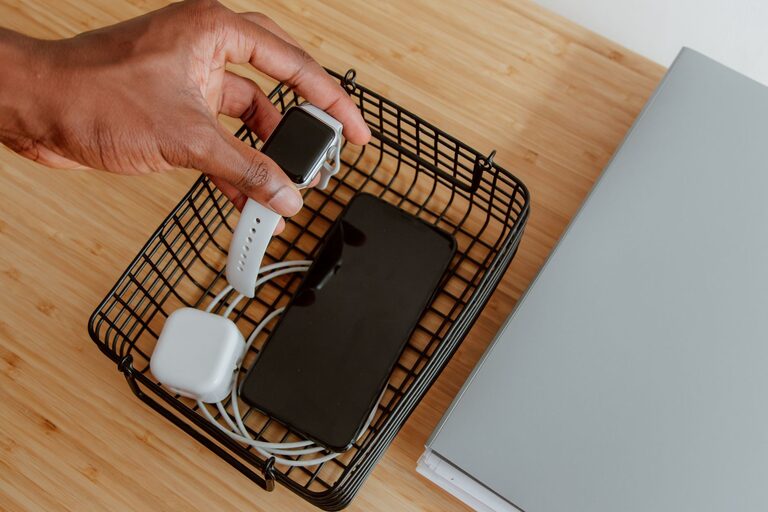
Setting up a dedicated charging station for your devices is a simple way to keep your gadgets organized and ensure they’re always ready to use. Whether you have smartphones, tablets, wireless earbuds, or other rechargeable electronics, a well-planned charging station reduces clutter and helps protect your devices from damage. In this guide, we’ll walk you through the steps to create a charging station that fits your space and needs.
Why Have a Charging Station?
With more electronic devices in our daily lives, cords and chargers often get tangled or misplaced. A charging station centralizes your gadgets and power sources in one spot. This not only keeps your living space or workspace neat but also makes it easier to find chargers when you need them. Plus, it can extend the life of your devices by providing a safe, stable place for charging.
—
Step 1: Choose the Right Location
Selecting a convenient and safe spot is important for your charging station. Consider these factors:
– Accessibility: Pick a location where you frequently use or store your devices, such as your desk, kitchen counter, or bedside table.
– Power Availability: Ensure there’s access to electrical outlets nearby to plug in chargers.
– Ventilation: Avoid enclosed spaces that can trap heat and cause devices to overheat while charging.
– Safety: Keep the station away from water sources or high-traffic areas to prevent accidents.
—
Step 2: Gather Your Supplies
Before setting up, collect everything you’ll need to create an efficient charging station:
– Charging cables: Make sure you have cables compatible with your devices (USB-C, Lightning, Micro-USB, etc.).
– Multiple charging ports: Consider a charging hub or power strip with several USB outlets to reduce the number of wall plugs.
– Charging station organizer or stand: These help hold devices upright and keep cables from tangling.
– Cable organizers: Clips, ties, or sleeves will keep cables neat and prevent them from falling behind furniture.
– Labeling supplies (optional): Label cords and ports to quickly identify each charger.
– Surge protector: To protect your devices from power surges.
—
Step 3: Select Your Charging Hardware
The type of charging hardware impacts how many devices you can charge simultaneously and how efficient the setup will be.
Charging Hubs and Stations
Charging hubs with multiple USB ports simplify the setup by providing a single power source for many devices. Look for units that support fast charging and have enough ports for all your gadgets.
Wireless Chargers
If your devices support wireless charging, adding a wireless pad or stand can reduce cable clutter. Some charging stations combine wired and wireless charging in one unit.
Power Strips with USB Ports
Traditional power strips with built-in USB ports can accommodate chargers and other electronics in one place, saving wall outlets.
—
Step 4: Organize Cables and Devices
With your hardware ready, it’s time to arrange everything neatly.
Cable Management Tips:
– Use cable clips or ties to bundle excess length.
– Route cables along the back or underside of furniture to keep them out of sight.
– Use cable sleeves to group multiple cords together.
– Label cables to avoid confusion.
Device Arrangement:
– Place devices upright in holders or stands for easy access.
– Group similar devices together (phones on one side, tablets on another).
– Avoid stacking devices to prevent overheating.
—
Step 5: Maintain Your Charging Station
A charging station works best when kept tidy and updated.
– Regularly check cables: Replace any frayed or damaged cords.
– Update hardware: Upgrade chargers or hubs if you get new devices.
– Clean the area: Dust and wipe down surfaces to keep the station looking nice.
– Unplug unused chargers: This saves energy and reduces clutter.
—
Bonus Tips for a Smarter Charging Station
– Add a small basket or drawer: Store extra cables, adapters, and accessories.
– Use smart plugs: Control charging times through your smartphone to prevent overcharging.
– Incorporate a clock or light: Make the station a multipurpose spot on your desk or nightstand.
—
Summary
Creating a charging station is a practical way to organize your electronic devices and power them efficiently. By choosing a good location, gathering the right supplies, selecting suitable charging hardware, and implementing cable management, you can enjoy a clutter-free space and ensure your devices are always charged and ready. Regular maintenance and smart additions can make your charging station even more helpful.
Start your setup today and take a step toward a more organized and tech-friendly environment!